View Source SBOM Files#
When you import an SBOM, its contents are registered in FutureVuls as OS packages and dependent libraries. This page explains how to check and identify which SBOM file the registered software and vulnerabilities (tasks) were registered from.
Two columns are used for this:
SBOM file namecolumn: TheSBOM file namecolumn in the application list and software list, and theSBOM file namefield in the application details and software details (libraries), display the name of the source SBOM file. Items with the same SBOM file name were registered from the same SBOM file. Use this column (field) to identify the source SBOM file.locationcolumn: Thelocationcolumn in the software list displays information such as the application containing the library, Lockfile, GitHub repository, and AWS Lambda function. For libraries registered from an SBOM, it shows which application contains the library.
The following explanation uses the SBOM server SBOM-test as an example.
Associating Applications and SBOM Files#
For applications registered from an SBOM, the SBOM file name column in the application list shows the name of the source SBOM file.
When you select an application, you can also check it in the SBOM file name field of the application details.
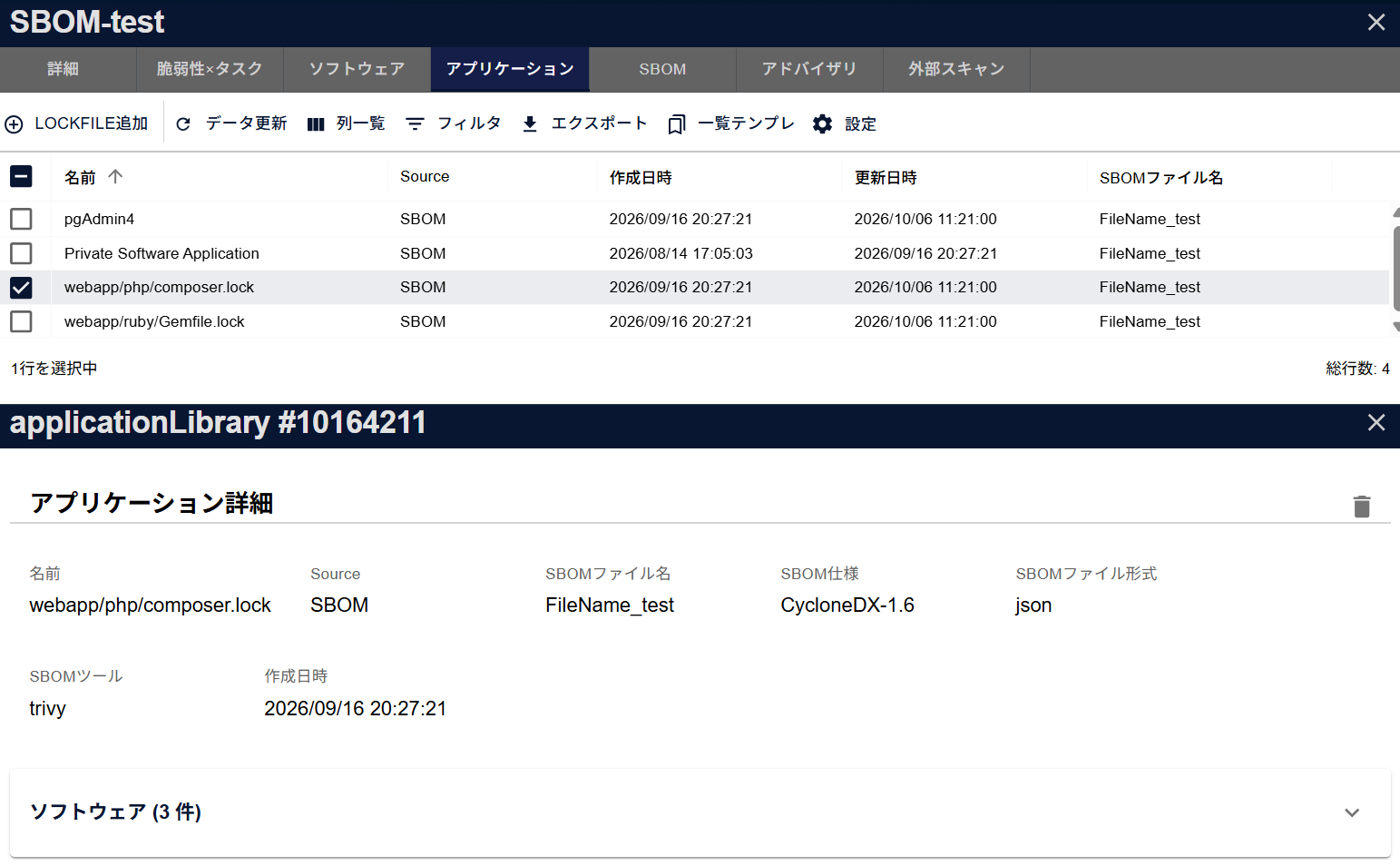
You can see that the application webapp/php/composer.lock above was registered from an SBOM file named FileName_test.
All applications registered from FileName_test show FileName_test in the SBOM file name column.
In the software list, show the SBOM file name column, which is hidden by default, to check it. In the group software list, you can filter by a partial match of the SBOM file name.
Associating Software Information and SBOM Files#
For software registered via SBOM, you can identify the source SBOM file using the following methods, depending on the software type.
Software Type: os#
Software type: os refers to OS packages. OS information is registered only from the server SBOM. OS packages are registered from the server SBOM, and OS packages contained in an application SBOM added to an SBOM server (a server created from a server SBOM) whose OS is known are also registered as OS packages of the target server (see "OS Packages Included in Application SBOMs").
As a result, the OS packages of an SBOM server can be a mix of packages registered from the server SBOM file and packages registered from application SBOM files you added. You can check the source SBOM file in the SBOM file name column of the software list.
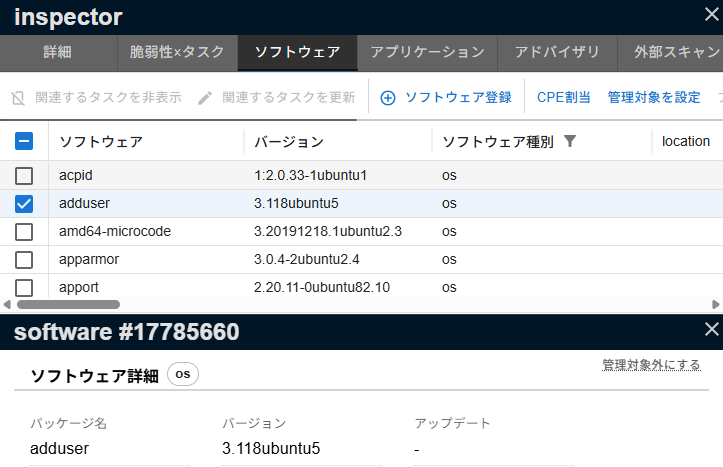
The OS packages listed above are an example from a different server, example_windows. All of them were registered from the server SBOM windows_mock.cyclonedx.json.
Software Type: library#
Software type: library refers to dependent libraries. For a dependent library, you can identify the source SBOM file from the SBOM file name column in the software list or the SBOM file name field in the software details.
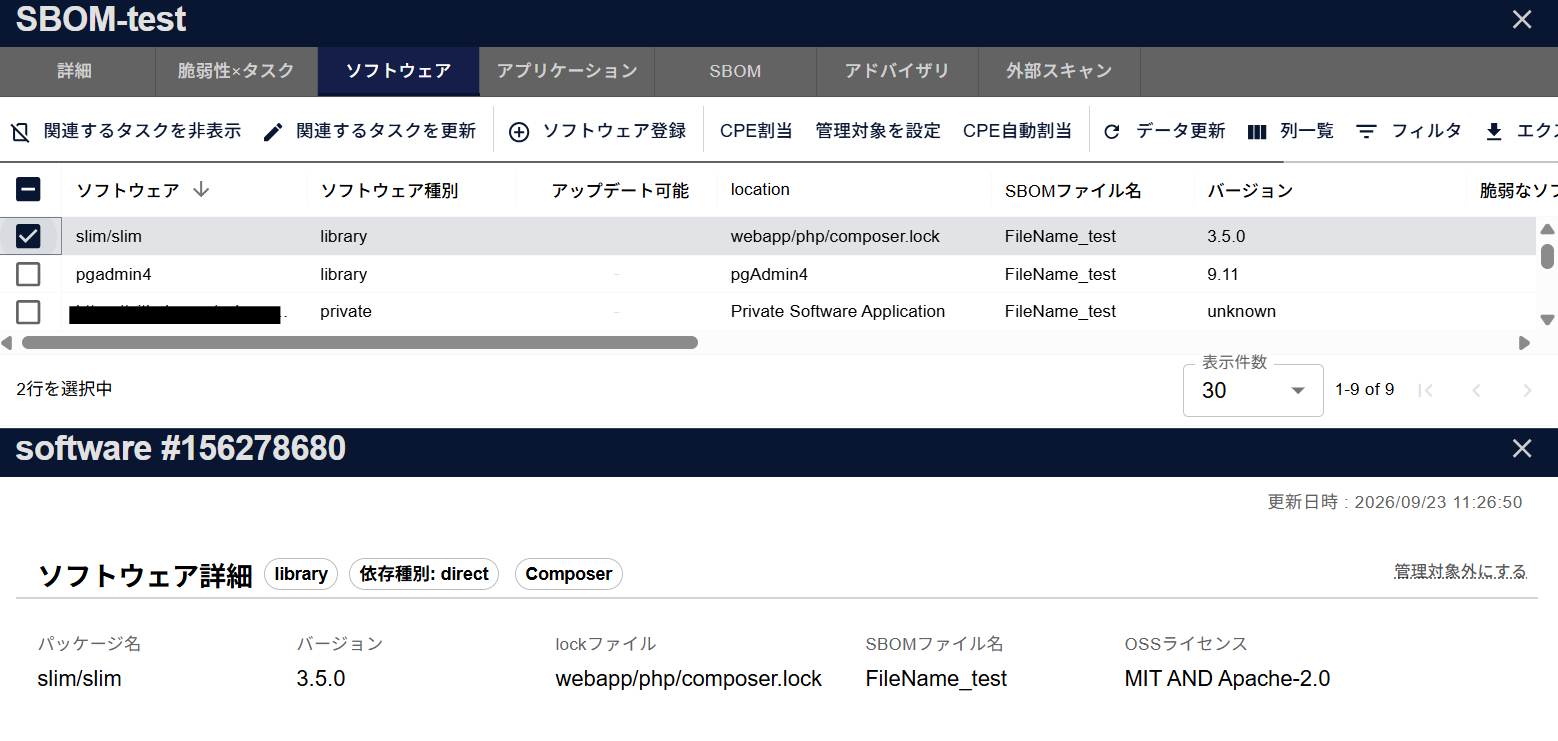
The SBOM file name column in the list and the SBOM file name field in the software details show that the library slim/slim above was registered from an SBOM file named FileName_test.
webapp/php/composer.lock in the location column is the application that contains this library.
About the location column
The location column in the software list displays information such as the application containing the library, Lockfile, GitHub repository, and AWS Lambda function.
Associating Vulnerabilities/Tasks with SBOM Files#
In the "Related Software" list in the task details, for libraries, the location column shows the application that contains the library.
Click the software name to open the software details, where the SBOM file name field shows the source SBOM file.
If there is no location, it is an OS package. To find its source SBOM file, use the method described in "Software Type: os".
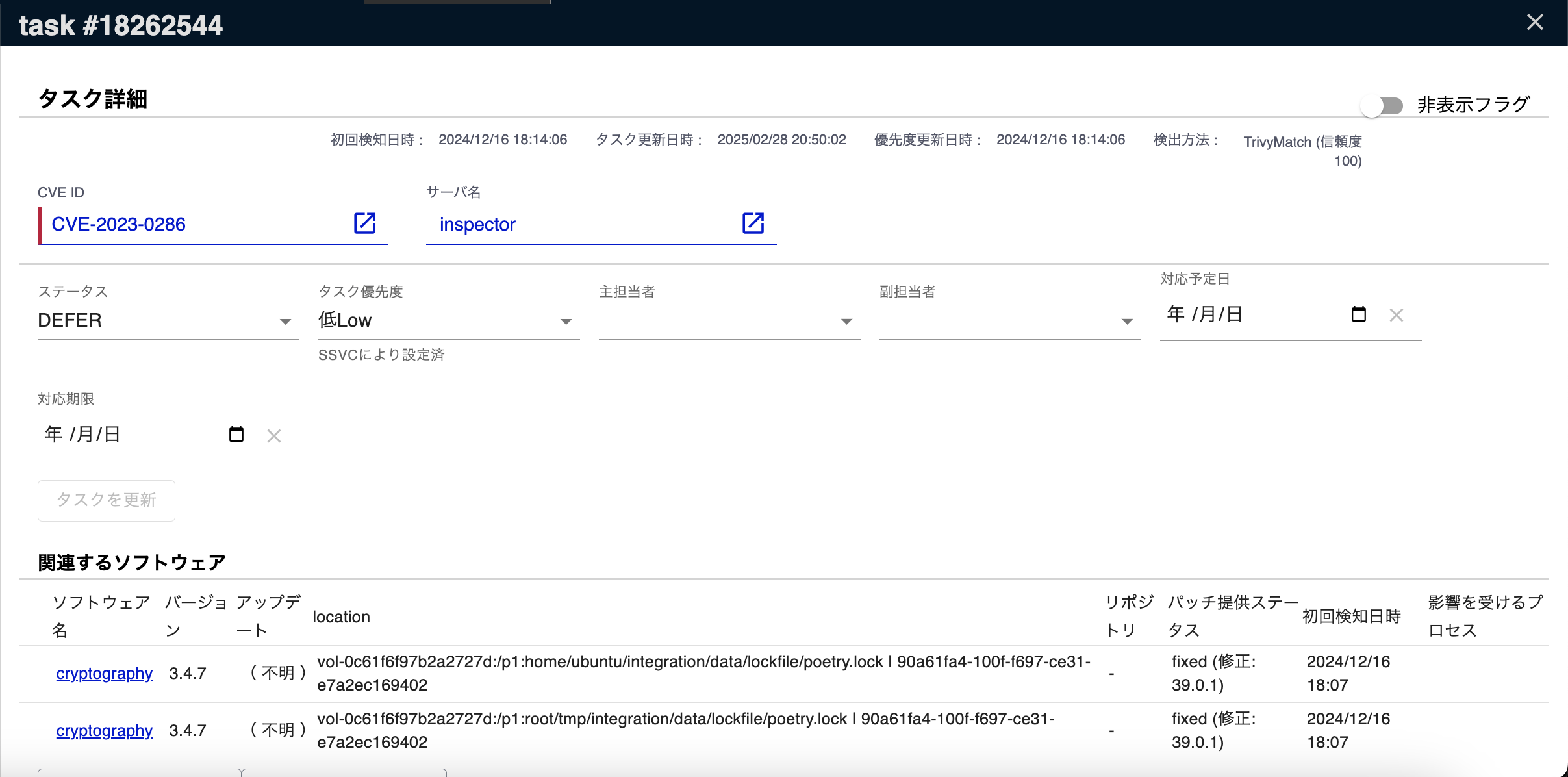
The related software guzzlehttp/guzzle in the task above is included in the application webapp/php/composer.lock shown in the location column.
Click guzzlehttp/guzzle to open the software details, where the SBOM file name field shows that it was registered from an SBOM file named FileName_test.