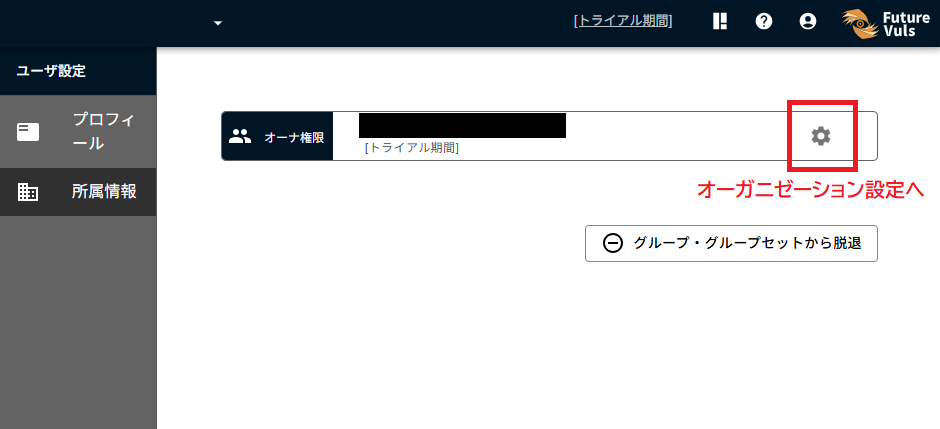
Create Organization#
Create an organization, which is a unit for billing purposes.
- To use FutureVuls, at least one organization is required.
- Creating an organization is also necessary for the trial.
- No charges will be incurred unless you register a credit card.
- For more details on organizations, please refer to "Organizations and Groups" in the manual.
Screen Operations#
When you log in for the first time, the organization creation screen will be displayed.
Select Create new organization.

Enter the information for the organization.
- Organization name: This is the identifier for the organization.
- Company Name / Individual Name: This is the company or individual name used for billing.
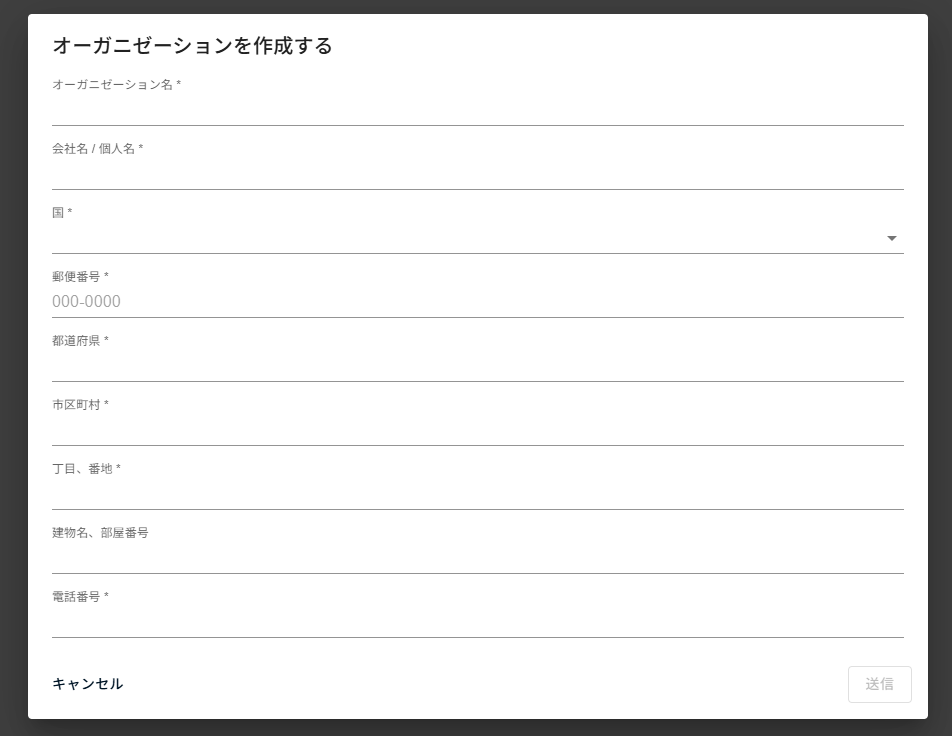
After filling in the required fields and pressing Submit, the organization is created and the screen transitions.
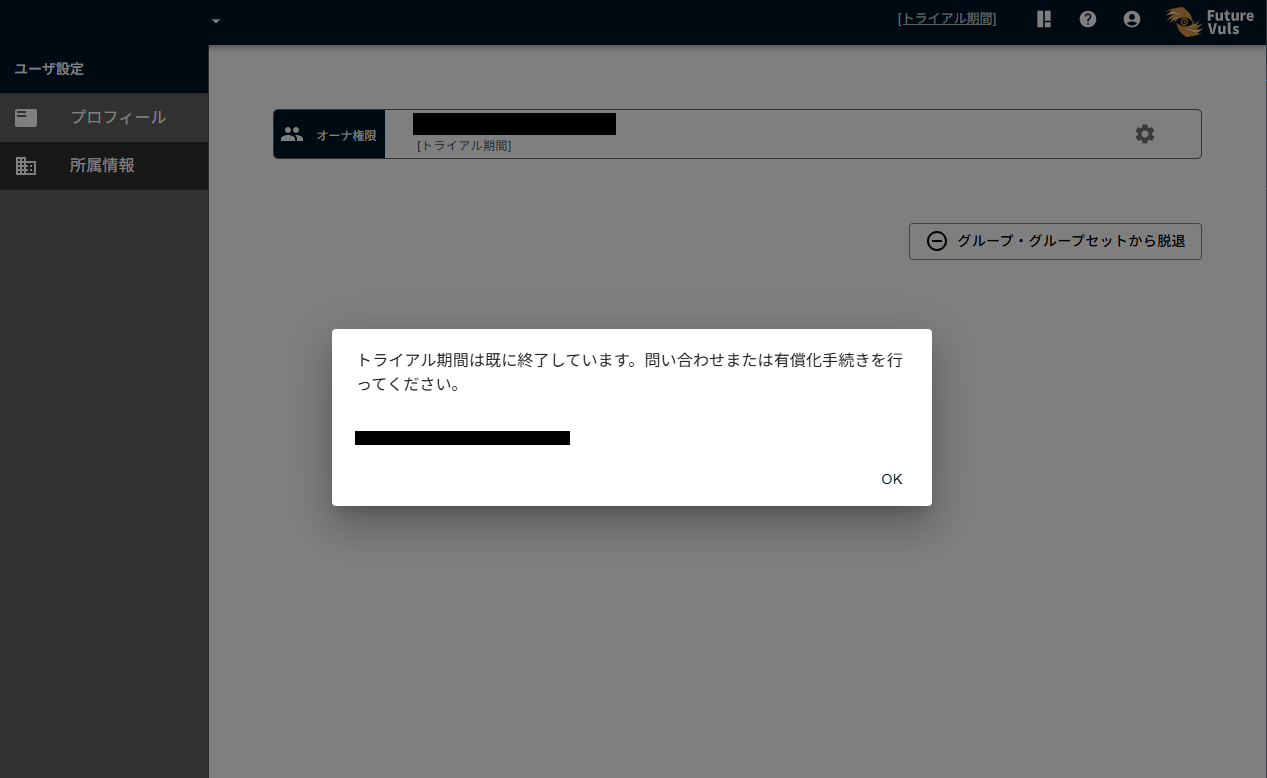
A dialog indicating that the trial period has expired will temporarily appear, as shown below.
Follow the steps below according to your situation.
For Those Who Want a Free Trial#
We will configure the trial period settings for you. Please contact support by following the instructions in "How to Start a Trial".
About the Free Trial
After creating an organization, you can use the service free for two weeks as a trial. During this period, all features of the Standard plan are available.
Credit card registration is not required to start the trial. If you wish to continue using the organization created during the trial, you will need to "Register a Credit Card".
If you would like to try the "CSIRT Plan" which enables automatic triage and company-wide management, we can arrange a free PoC period — please contact us here.
To Start Using the Standard Plan Without a Trial#
Navigate to the Organization Settings via the gear icon in the Organizations section. In the Billing Information section, click "Register Credit Card" to register your credit card.