Slack Integration (Webhook)#
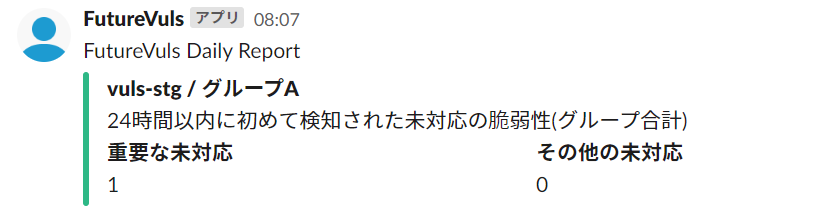
By configuring Slack integration, you will be notified in Slack about newly detected vulnerabilities from the last 24 hours via a daily report.
Note: Slack notifications via Webhook will be removed in a future release.
How to Integrate with Slack#
Deprecated Feature
Slack webhook integration will be discontinued in the near future. Please use the Slack App integration instead.
- Add a new Webhook to Slack and obtain the Webhook URL (Reference)
- In FutureVuls group settings, click
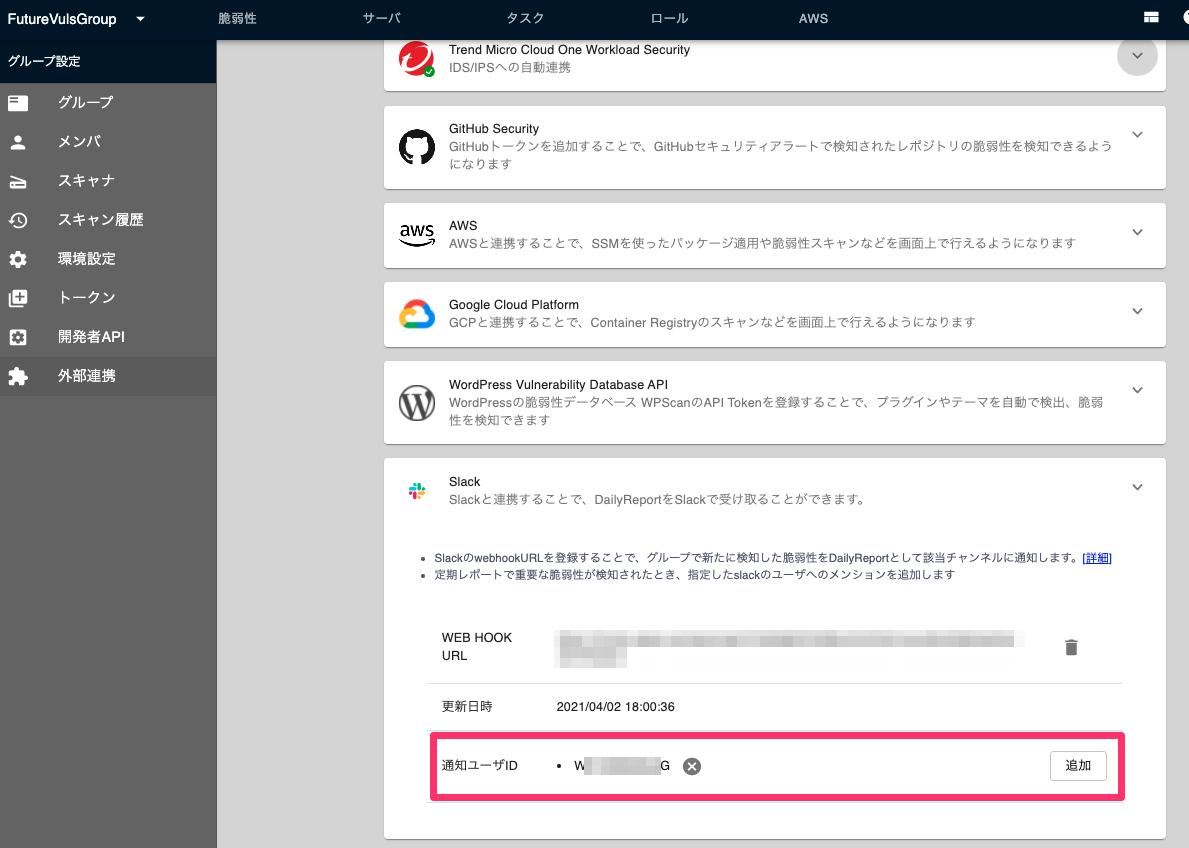
External Integration > Slack, press the Add button, and paste the Webhook URL you obtained.
- The daily report will be sent to the configured Slack channel.
- No notification will be sent on days when no new vulnerabilities are detected.
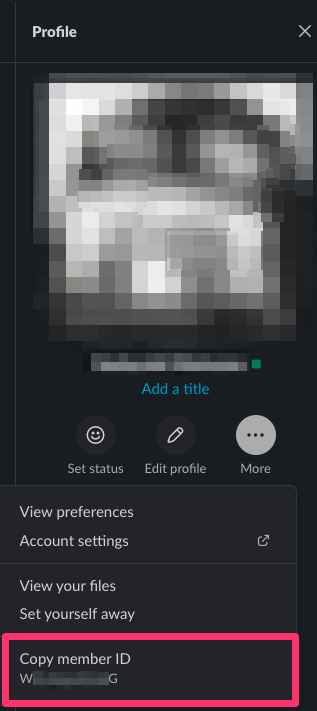
You can mention users when critical vulnerabilities are detected. To enable this, add the memberID from your Slack profile to the FutureVuls Slack integration page.