How to Obtain an API Key with the Old Account System (Before August 2021)#
Operations in CloudOne#
1. Create a "Role" for FutureVuls#
- Create a role in Administration > User Management > Roles.
-
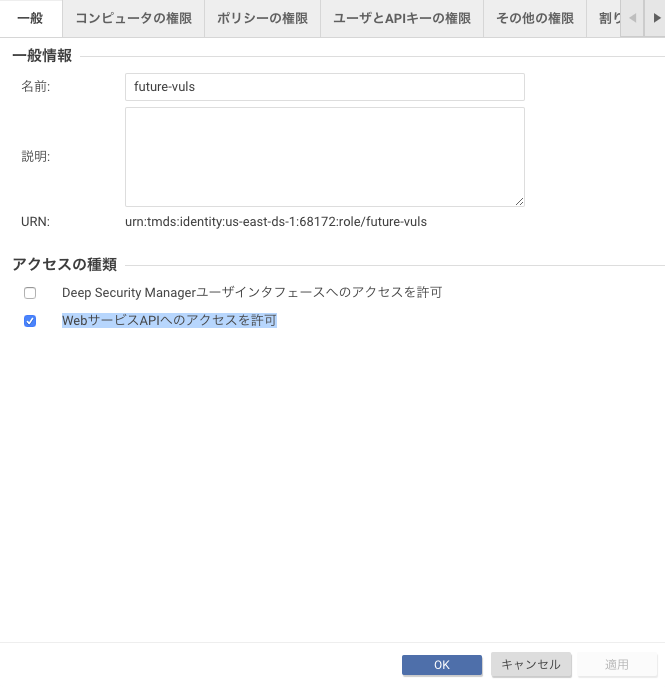
In the "General" tab, check only "Allow Access to Web Service APIs".
-
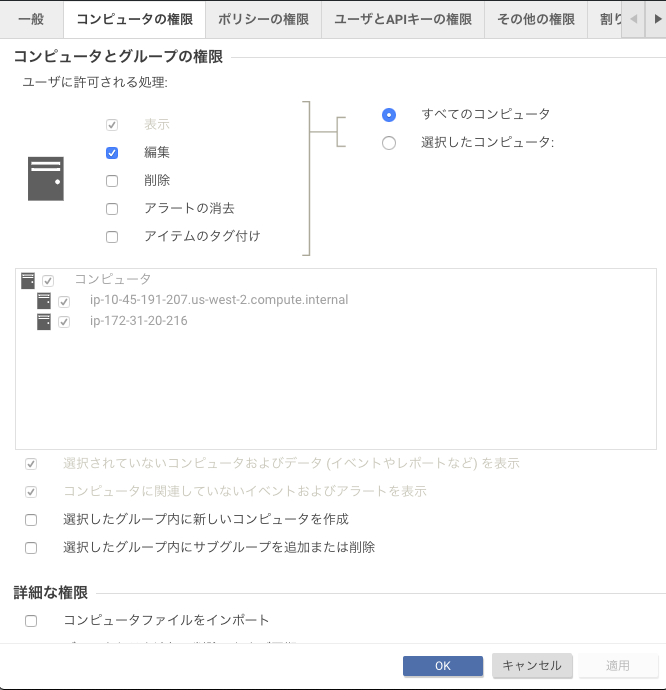
In the "Computer Rights" tab, check "Edit".
-
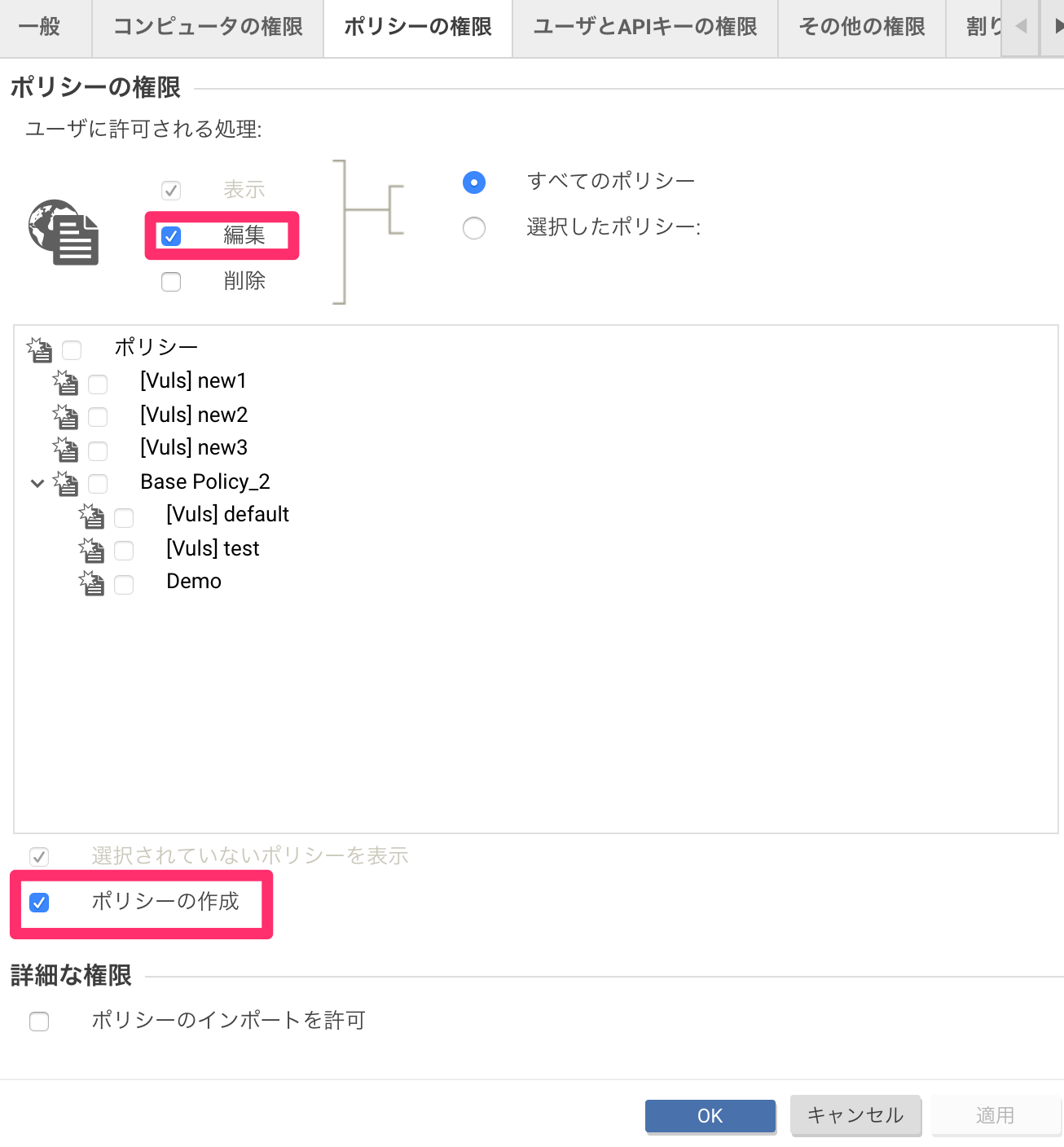
In the "Policy Rights" tab, check "Edit" and "Create Policies".
-
Create the "Role".
Note: To retrieve the Intrusion Prevention rules for the computer, the "Edit" permission for computers is required. We are currently confirming with Trend Micro whether this edit permission is necessary.
2. Issue an API Token for FutureVuls#
- In Administration > User Management > API Keys, click "New".
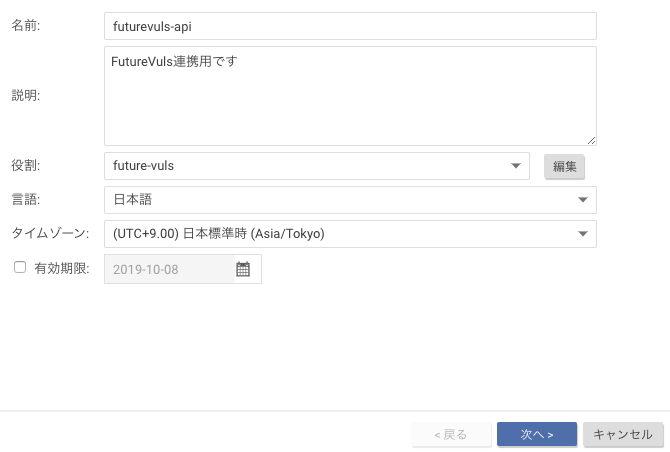
- Generate a key using the role you just created.
- Enter the generated key on the FutureVuls External Integration screen.
Cloud One is currently showing guidance to update to the new account system. See the official page for more details.