How to Use Group Sets#
The FutureVuls CSIRT plan offers a feature called "Group Sets" for cross-organizational management. This feature allows you to manage multiple groups as a single unit. It enables you to do the following:
- Manage registered servers and detected vulnerabilities across the organization.
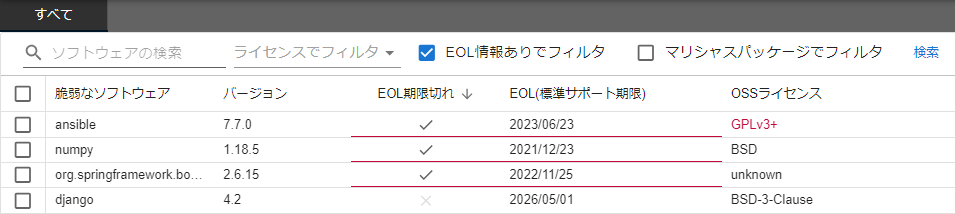
- Search for software in use and manage its EOL (End-of-Life).
Here, to get an overview of your entire organization's information, we will create and review a group set named all that contains all groups.
Creating a Group Set#
Navigate to Organization Settings > Groupset and click the "Create a groupset" button at the bottom left.
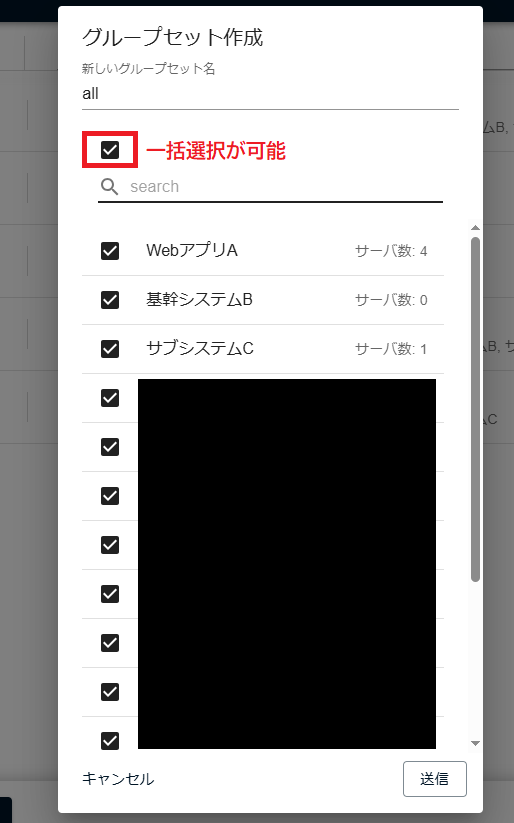
Enter all as the "New groupset name," select all groups, and click Submit.
You will then be redirected to the group set page.
Viewing Group Set Information#
For details on the information available in each tab, please refer to the Group Sets manual.
Searching for Software#
To view a list of software used in your organization, you can use the Software tab. For example, you can check whether libraries used by your company have reached their EOL.
On the Software tab, specify EOL-Confirmed (software confirmed to be EOL) or EOL-Effective (software that is effectively EOL) in the filter on the "Maintenance Status" column to extract only the EOL software used in your organization.
For details, see "Cross-Group Search for Library EOL in a Group Set".