Create a Group#
Create a group, which is the unit for managing vulnerability and server information. For ease of management, FutureVuls recommends creating groups on a per-system basis. For details, please refer to the "Organizations and Groups" section of the manual.
Screen Operations#
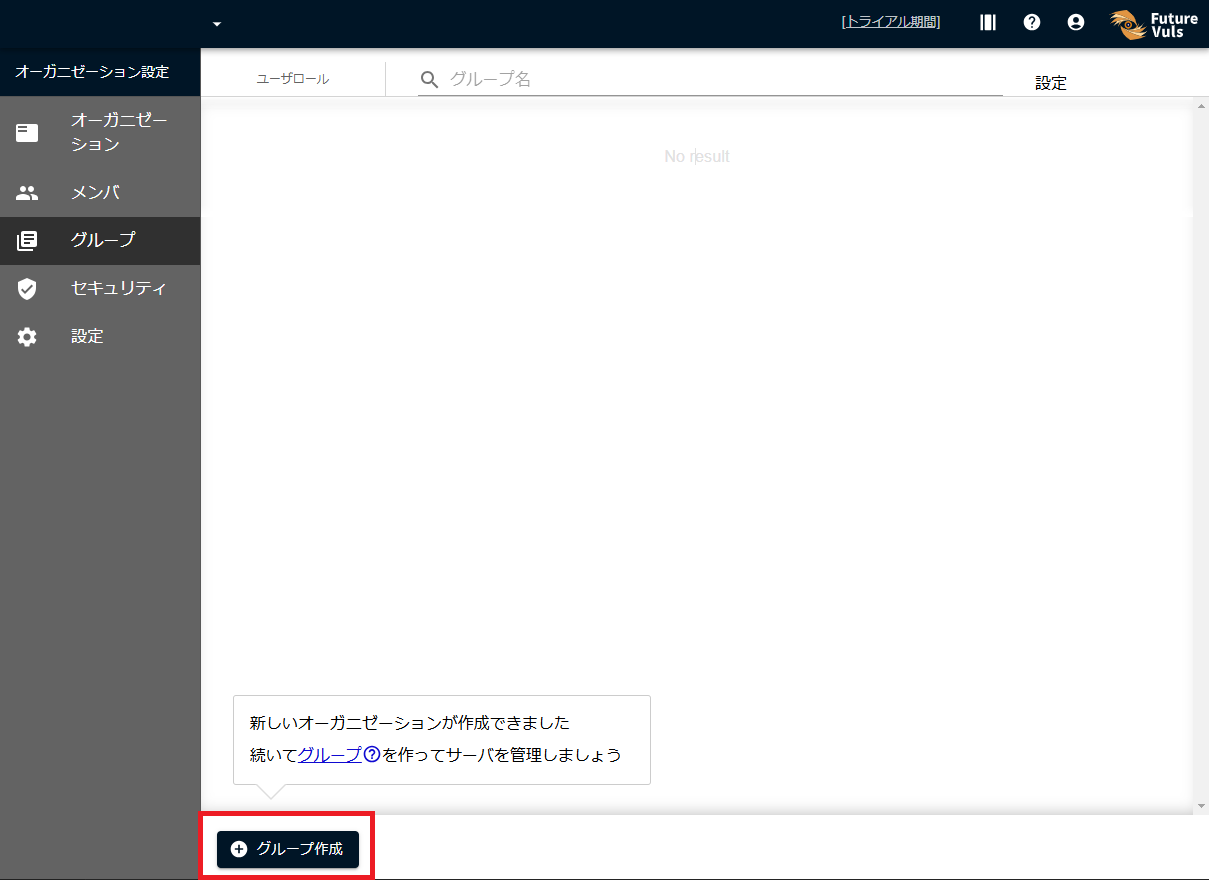
Navigate to the Group List screen.
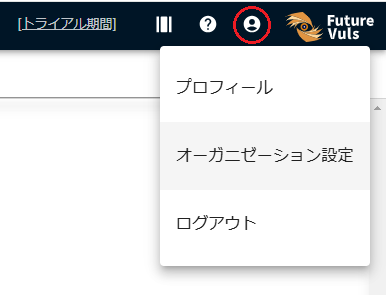
If you are not already on the Organization Settings screen, you can navigate there by clicking the user icon in the upper right corner of the console screen and selecting Organization Settings > Group.
Select Create a group at the bottom of the group list.
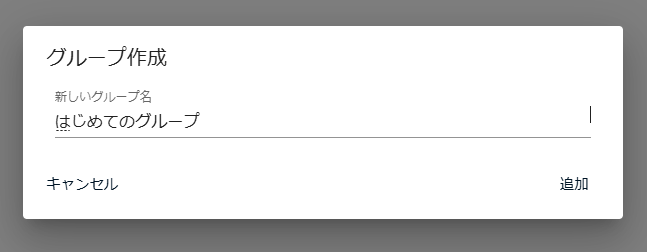
Enter a group name and press Submit.
Since each group represents a unit for managing servers within your organization, we recommend choosing a name that reflects this (the group name can be changed later).
When a new dialog appears, select "Go to Server Registration".
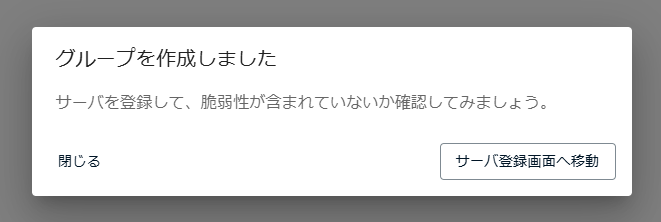
Next, you will register server information in the group (→Register a Server).